
3D Software for Mould Design: What Toolmakers Actually Use
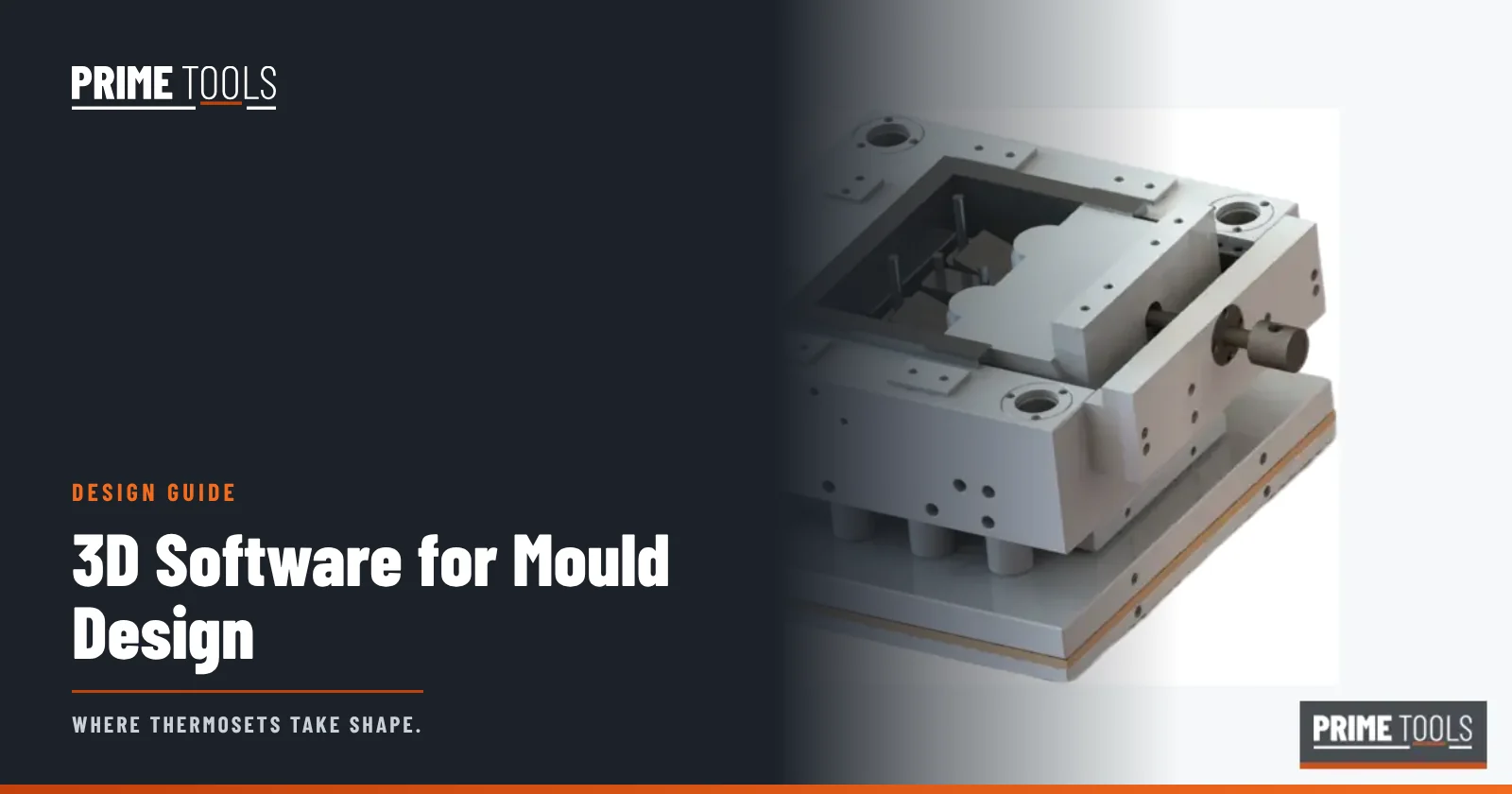
Professional toolmakers design moulds in 3D CAD software such as Siemens NX, SolidWorks, PTC Creo, CATIA or Autodesk Fusion, often with dedicated mould-design add-ons. They then program CNC machining in CAM software (such as Mastercam, NX CAM, PowerMill or hyperMILL), and they check difficult parts with simulation. For buyers, the most important thing is not which software the toolmaker uses but that you send a clean neutral 3D file, usually STEP.
People search “3D software for mold making” for two reasons: hobbyists looking for a way to design silicone or resin moulds at home, and engineers wanting to know what professionals use. This guide covers both, from the view of an industrial tool room. At Prime Tools we design every compression mould in 3D, run a DFM study and machine from the same model.
The digital workflow of a mould
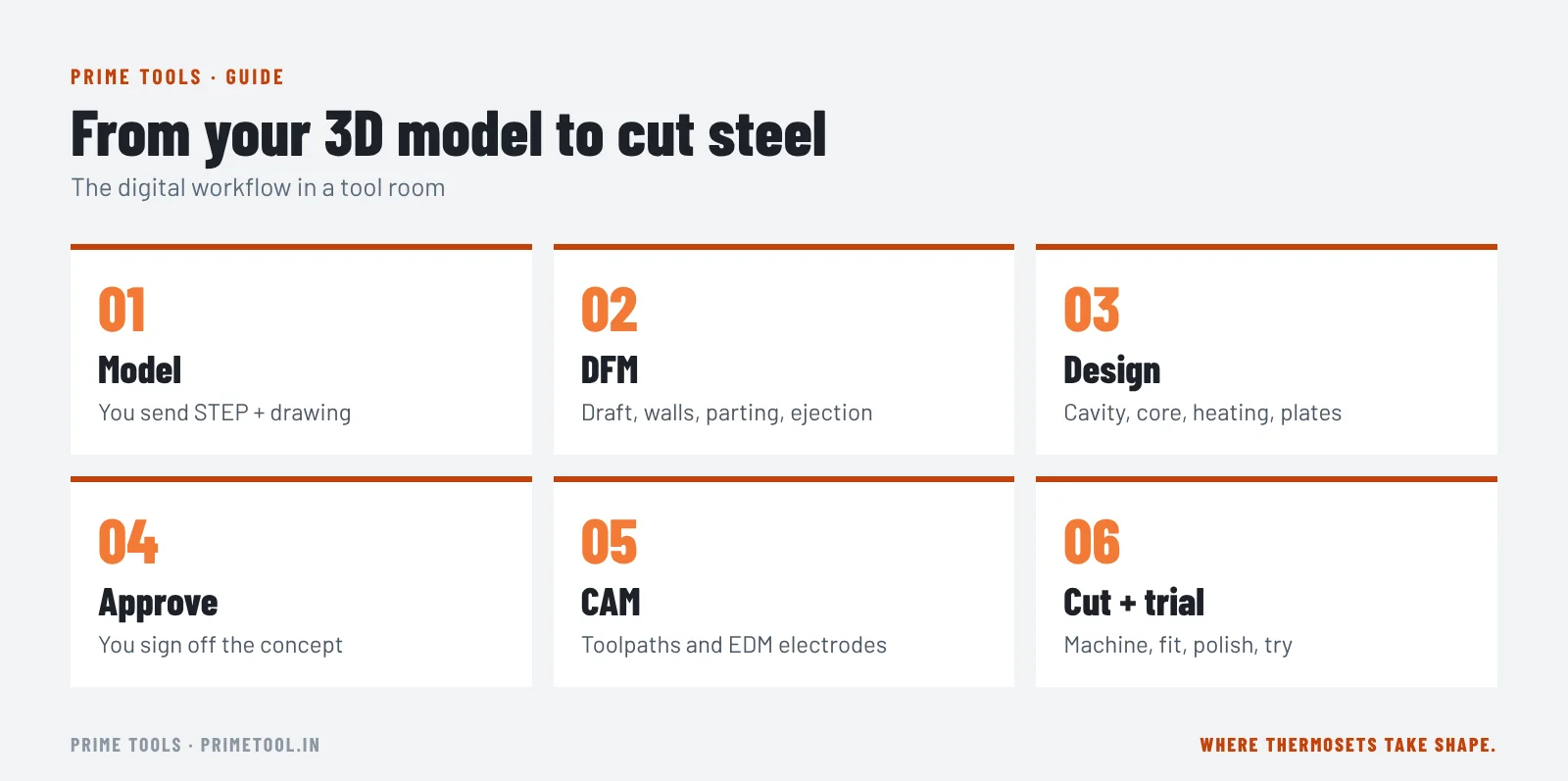
- Part model: you send your 3D part, ideally as STEP.
- DFM study: the toolmaker checks draft, walls, radii, undercuts, parting line and ejection, and suggests changes.
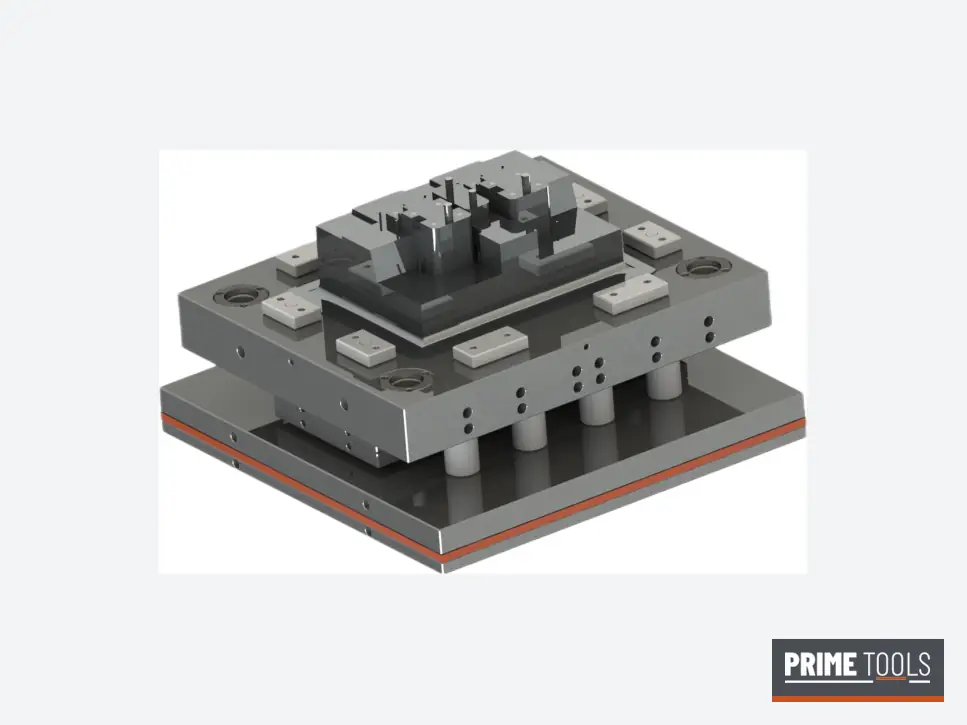
- Mould design: cavity and core are created by applying shrinkage and splitting the part along the parting line. Then plates, shear edges, guide pillars, ejection, heating and standard components are added.
- Simulation (optional): flow, fill and cure are checked, especially for large or difficult parts.
- Design approval: you approve the mould concept and critical details.
- CAM programming: toolpaths are generated for roughing, semi-finishing and finishing on VMC; electrodes are designed for EDM.
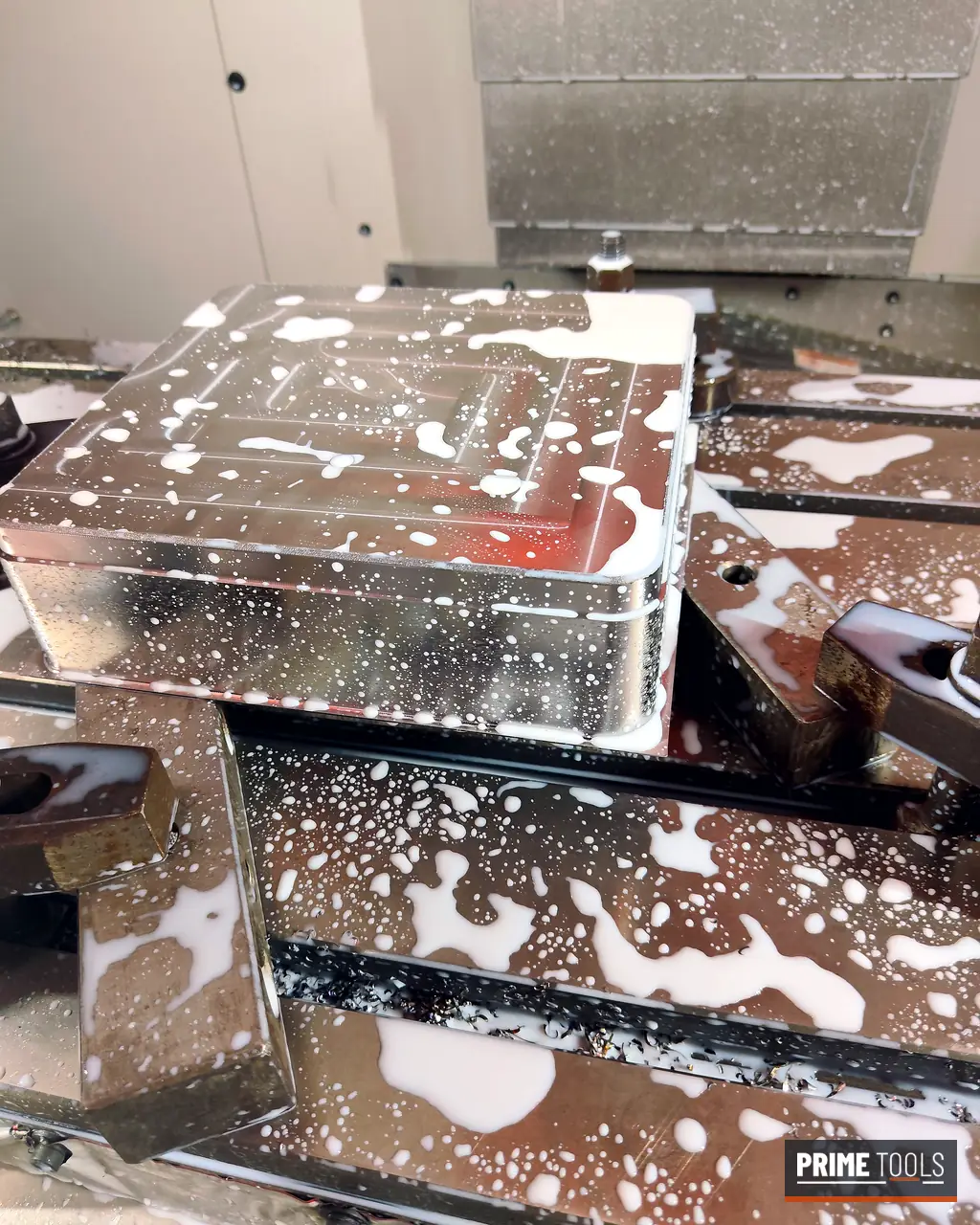
- Machining and fitting: steel is cut, burnt, ground, fitted and polished.
- Trial: the mould is tried and parts are checked against the model.
Common 3D CAD software for mould design
| Software | Strengths for mould design |
|---|---|
| Siemens NX | Very strong in tooling; dedicated mould wizard; integrated CAM. Common in large tool rooms. |
| SolidWorks | Widely used, easy to learn; mould tools for parting lines and cores; many add-ons. |
| PTC Creo | Strong parametric modelling; mould design module. |
| CATIA | Common in automotive and aerospace, complex surfacing. |
| Autodesk Fusion | Affordable, cloud-based CAD/CAM; popular with small shops and hobbyists. |
| Autodesk Inventor | Mechanical design with mould design tools. |
| ZW3D, Cimatron, VISI | Tooling-focused CAD/CAM used by many mould makers. |
CAM software for machining moulds
CAM turns the 3D mould model into toolpaths for CNC machines. Popular choices in tool rooms include Mastercam, NX CAM, PowerMill, hyperMILL, Cimatron, WorkNC and Fusion CAM. Good CAM for moulds handles high-speed roughing, rest machining, fine finishing on curved surfaces, and electrode design for EDM.
Simulation software
- Injection moulding simulation (for example Moldflow, Moldex3D) predicts fill, weld lines, warpage and cooling for thermoplastics.
- Thermoset and compression simulation (available in some of these packages) predicts flow, cure and fibre orientation for SMC and BMC.
- FEA checks mould plate deflection under press load.
Simulation is valuable for large and difficult parts. For many compression parts, an experienced DFM review with 3D checks of area, flow length and charge placement is enough. See our DFM and mould design page and the full 3D studies in the videos there.
Software for hobby mould making
If you are making silicone, resin or casting moulds at home (for example with resin kits), you can design a master or a two-part mould box in free or low-cost tools such as Fusion (personal use), FreeCAD, Tinkercad, Blender or Onshape, then 3D print the master. This is a very different world from steel production moulds, but the principles (draft, parting line, venting) are the same.
What files should you send to a toolmaker?
- 3D model in STEP (preferred), or Parasolid (x_t), IGES or the native file if you both use the same CAD.
- 2D drawing (PDF) with critical dimensions, tolerances, material, cosmetic faces and any texture.
- Material grade and expected shrinkage if you know it.
- Annual volume, cavities wanted and press details.
Our free RFQ checklist lists everything we need. Your files are confidential and we sign NDAs on request.
Common file problems
- Mesh files (STL) instead of solids: fine for printing, poor for mould design. Send solids.
- Missing draft: the toolmaker will propose draft; agree it before design.
- Gaps and bad surfaces from translation: STEP usually avoids these.
- Old revisions: always state the revision.
What a DFM report from your toolmaker should show
A good DFM report, whatever software produced it, should show:
- Draft analysis: faces coloured by draft angle, highlighting zero-draft faces.
- Wall thickness map: thick and thin areas that may cause blisters or non-fill.
- Parting line and shear edge proposal.
- Undercuts and how they will be handled.
- Ejection layout and cosmetic faces to protect.
- Projected area and press check for compression moulds.
- Suggested changes with before-and-after images.
You can download our sample DFM report to see the format we use for SMC enclosure parts.
Learning path for engineers new to mould design
Start with solid modelling basics in any mainstream CAD, then learn draft, parting lines and shrinkage. Study real moulds: plates, guiding, ejection and heating. Learn CAM fundamentals so your designs are machinable. Finally, spend time on the shop floor during fitting and trials; the best mould designers understand how steel is cut and fitted.
Free DFM review
Planning a mould for this part?
Send your 3D model or drawing, material and annual volume. Our engineers reply within one working day.
Frequently asked questions
What is the best 3D software for mould making?
For professional tooling, Siemens NX, SolidWorks, Creo and CATIA are widely used, often with mould-design add-ons. Fusion and FreeCAD are good low-cost options for small shops and hobbyists.
What file format do mould makers need?
A solid 3D model in STEP format is the most common, plus a 2D PDF drawing with tolerances.
Is CAD software enough to make a mould?
CAD designs the mould; CAM software programs the CNC machines; and simulation helps with difficult parts. A tool room needs all three, plus skilled machining and fitting.
Can I send an STL file to a mould maker?
STL is a mesh and is not ideal for mould design. Send a solid model (STEP) whenever possible.
Does Prime Tools design moulds in 3D?
Yes. Every mould is designed in 3D after a DFM review, and machining is programmed from the same model.
Is my design safe when I send it?
We keep customer designs confidential and sign NDAs on request.

Written by the Prime Tools engineering team
Compression mould makers in MIDC Ahilyanagar, Maharashtra, since 2015. We design and build moulds for SMC, DMC/BMC, Bakelite, melamine and urea parts, and repair die casting dies. About us
Keep reading
Processes
How the Sheet Moulding Compound (SMC) Process Works, Step by Step
The sheet moulding compound (SMC) process from paste mixing and sheet making to maturation, charge cutting, moulding and finishing, with tooling tips.
6 min read · Read article →
Products
SMC Junction Boxes and Electric Meter Boxes: Materials, IP Ratings and Mould Design
SMC junction box, FRP, ABS and metal junction boxes and meter boxes compared: IP ratings, single and three phase boxes, and SMC box moulds.
6 min read · Read article →
Products
FRP vs GI vs SS Cable Trays: Types, Comparison and How to Choose
Cable tray types (perforated, ladder, raceway) and materials (FRP/GRP, GI, SS, aluminium) compared on corrosion, strength, weight, cost and where each is used.
6 min read · Read article →